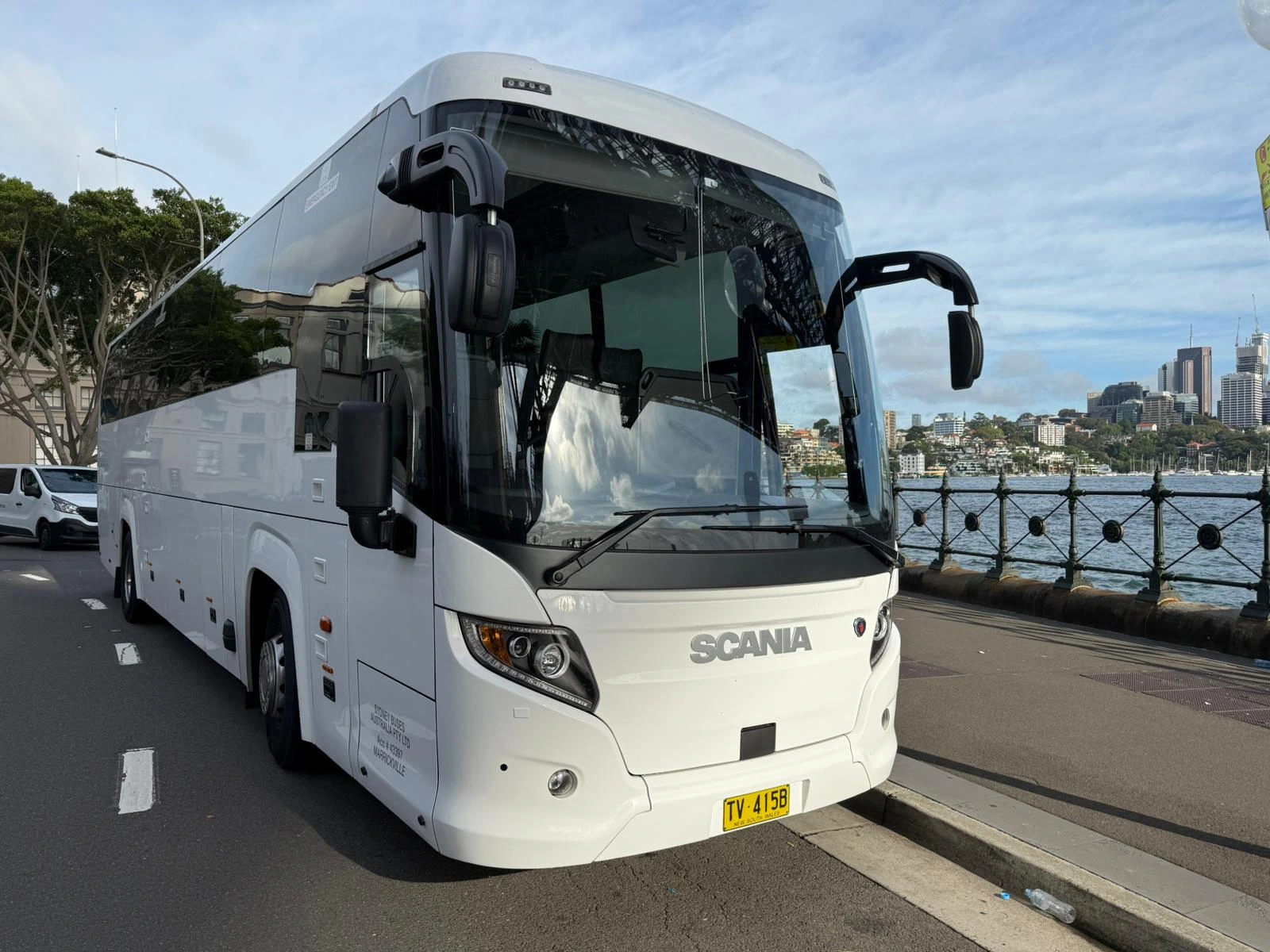
A working group transport budget needs five blocks: inputs, a rate lookup, a calculation, a per-head output, and a comparison column. The whole model rests on one formula that most spreadsheets get wrong, which is that chargeable hours equal the greater of your planned hours and the minimum hire period. Build it once and it answers every version of the question, including the one your committee will ask about doing it another way.
Block one: the inputs
Put these in one column so every other formula points at cells rather than typed numbers. Nine inputs cover almost every job.
| Input | Type | Notes |
|---|---|---|
| Group size | Number | Everyone travelling, including staff and supervisors |
| Paying heads | Number | Often smaller than group size. This is the divisor for per head |
| Vehicle | Dropdown | Drives the rate lookup |
| Planned hours | Number | From first pick-up to final drop-off, including any wait |
| Trip date | Date | Feeds the public holiday and after-hours flags |
| Public holiday or after hours | Yes or No | Toggles a separately quoted loading line |
| Tolls and parking estimate | Number | Entered manually, quoted separately by the operator |
| Overnight nights | Number | Drives driver accommodation, zero for a day trip |
| Seats per car | Number | Only used by the comparison block. Four with no luggage, three with |
The one that catches people out is planned hours. It is not driving time. It is the whole window the vehicle is committed for, including the three hours it sits outside a venue while your group is inside.
Block two: the rate lookup
Put the published rate card on a second sheet, exactly as published, and let the model look it up. Typing rates into formulas is how a model goes stale without anyone noticing.
| Vehicle | Seats | Hourly rate | Minimum hire |
|---|---|---|---|
| Toyota Commuter | 12 | 110 | 3 |
| Mercedes V-Class | 7 | 125 | 3 |
| Mercedes Sprinter | 14 | 145 | 3 |
| Executive minibus | 24 | 145 | 3 |
| Executive midi-coach | 27 | 165 | 4 |
| Luxury coach | 48 | 185 | 4 |
| Executive coach | 53 | 195 | 4 |
| Luxury touring coach | 57 | 195 | 4 |
Seat counts exclude the driver, and every rate includes the driver, fuel, vehicle insurance and GST. Store the numbers unformatted so they calculate cleanly, and format the display cells instead. Groups of 58 or more sit outside this table and are quoted per event.
Keep the published rate card the model looks up bookmarked, and check it whenever you reopen the model after a gap.
Block three: the calculation
Six formulas. Written for a sheet where the inputs sit in column B and the rate card occupies `Rates!A:D`.
Hourly rate `=VLOOKUP($B$3, Rates!$A:$D, 3, FALSE)`
Minimum hire for that vehicle `=VLOOKUP($B$3, Rates!$A:$D, 4, FALSE)`
Chargeable hours (this is the important one) `=MAX(Minimum_Hire, Planned_Hours)`
Vehicles needed `=CEILING(Group_Size / VLOOKUP($B$3, Rates!$A:$D, 2, FALSE), 1)`
Base cost `=Hourly_Rate Chargeable_Hours Vehicles_Needed`
Total `=Base_Cost + Tolls_Parking + Loading + Driver_Accommodation`
Keep the last three as their own visible cells rather than folding them into the base. They correspond to real lines on a real quote: tolls and parking, public holiday and after-hours loading, and driver accommodation on multi-day trips are all confirmed in advance and quoted separately from the hourly rate. Waiting time beyond the booked window is a fifth line, and it should be zero in a well-built plan.
Block four: per head
Two cells, and they should both be visible.
Per head, everyone travelling `=Total / Group_Size`
Per head, paying heads only `=Total / Paying_Heads`
The gap between those two numbers is the thing that sinks P&C and club budgets. Twenty supervisors travelling free on a school run, or six committee members comped on a club trip, do not change the vehicle cost and do change the per-head recovery.
Add one more cell that nobody thinks of until it is too late:
Break-even head count at a set ticket price `=Total / Ticket_Price`
That tells you how many tickets you must sell before the trip stops losing money, which is a far more useful number to bring to a meeting than the total.
Block five: the comparison column
The model is much more persuasive if it prices the alternative in the same units. Add three cells.
Cars needed `=CEILING(Group_Size / Seats_Per_Car, 1)`
Car-trips `=Cars_Needed * Legs`
Per-car threshold `=Total / Car_Trips`
That last number is the fare each individual car trip would have to beat for the alternative to be cheaper. Do not type a rideshare or taxi fare into the model, because it is dynamic and will be wrong by the time you present it. Instead, put the threshold on screen, open the app in the meeting, and quote the actual route at the actual time. Quote the return leg separately, because that is the leg that decides most comparisons.
A worked run through the model
Thirty-four people, one day, a 6.5-hour window from first pick-up to final drop-off, no overnight, ordinary weekday.
| Cell | Value |
|---|---|
| Group size | 34 |
| Paying heads | 30 |
| Vehicle | Luxury coach, 48 seats |
| Hourly rate | $185 |
| Minimum hire | 4 |
| Planned hours | 6.5 |
| Chargeable hours | 6.5 |
| Vehicles needed | 1 |
| Base cost | $1,202.50 |
| Tolls, parking, loading, accommodation | To be confirmed with the operator |
| Per head, all 34 travelling | $35.37 |
| Per head, 30 paying | $40.08 |
| Seats per car | 4 |
| Cars needed | 9 |
| Car-trips, return | 18 |
| Per-car threshold | $66.81 |
Notice that `MAX` did nothing here, because 6.5 hours already clears the four-hour minimum. Change planned hours to 3 and the model correctly returns 4 chargeable hours and $740, not $555. That is the behaviour you are building the model for.
Sanity-check the output before you send it
Three checks catch nearly every error.
- Is the per head inside the plausible band? At minimum hire and full occupancy, a single-vehicle Sydney day job runs from about $13.68 a head on a full 57-seat touring coach up to about $53.57 a head on a 7-seat people mover. If your model says $6, the divisor is wrong. If it says $90 and it is a single day, either the hours are very long, which may be correct, or the vehicle is far too big for the load.
- Divide the base cost by the hourly rate. The answer must be the chargeable hours multiplied by the vehicle count, with no decimals you did not intend. A base of $1,202.50 divided by $185 gives exactly 6.5, so that one is clean.
- Check the seat arithmetic. Seats multiplied by vehicles must be greater than or equal to group size, and paying heads must never exceed group size. Put both as conditional formatting rules so the sheet turns red rather than staying quietly wrong.
A fourth, softer check: if adding one person to group size makes the total jump by hundreds of dollars, you have crossed a vehicle boundary. That is worth knowing before you invite the extra person, and it is a good argument for asking the operator whether the next vehicle up is available.
What this model cannot do
It cannot tell you whether the vehicle you picked physically fits the luggage. Seat count and boot capacity are different constraints, and a group of 25 with check-in suitcases is limited by the underfloor bay, not the seats.
It cannot tell you whether the itinerary is legal. Charter work in NSW sits inside the heavy vehicle fatigue regime, so a very long day may need a rest break built in or a second driver, and a spreadsheet will happily multiply out a day that cannot be driven.
It cannot price the separately quoted items for you. Tolls, parking, loading and driver accommodation come from the operator, and Sydney tolls in particular are indexed quarterly, so any figure you carry forward from last year is already wrong.
It is a budgeting tool, not a quote. Use it to shape the decision, then get the real numbers.
Frequently asked questions
Why does the model need a minimum hire input at all?
Because a two-hour job is charged as three on a minibus and four on a coach. Without the `MAX` formula, a short trip will be under-budgeted by hundreds of dollars, which is the single most common error in group transport spreadsheets.
Should I model two smaller vehicles or one larger one?
Model both and compare. Adding a second vehicle adds a whole vehicle and a second driver, not half a vehicle, so one larger coach usually wins. A group of 30 on one 48-seat coach at its four-hour minimum is $740, while two executive minibuses for the same four hours are $1,160.
How do I handle a group where numbers are still moving?
Model three head counts: the number you are confident about, the number you expect, and the number you fear. The vehicle boundary between them tells you when you actually need to decide.
Can I use this to compare two operator quotes?
Partly. Enter each quote’s chargeable hours and vehicle and see whether both are pricing the same day. Most large gaps between quotes are hours, not rates, and the model exposes that quickly.
Does it work for multi-day trips?
Yes, with two additions. Set overnight nights above zero so driver accommodation appears, and build each day as its own row of chargeable hours rather than one long number, because rest requirements sit between them.
Next step
Build the model, fill it in, then send us the inputs rather than the output: pick-up suburb, date, group size and the full window from first pick-up to final drop-off. A fixed written quote naming the vehicle comes back within two business hours, and you can drop the real figures straight into the sheet. Call 02 9469 6600, Monday to Friday 7am to 6pm or Saturday 8am to 2pm.